Introduction
Sometimes you just need to understand how to use the different cloud vendors or platform CLI. (oci, aws, gcp, azure, aiven and many others …). You can browse StackOverflow and learn a lot along the way. But what if we just want to stay on the command line and be presented with a nice output with variations of the CLI command - even with very creative ways to use the CLI.
Sign up at GitHub and login. Now we will utilize the GitHub search capabilities to look for code.
Search GitHub and open a new tab in your Browser from the commandline.
# ghc - GitHub Codesearch
alias ghc
alias ghc='ghc'
declare -f ghc
ghc ()
{
    args=("$@");
    SEARCH_STRING_PLUSSIGN=$(printf '%s' "${args[@]/%/+}");
    open "$(echo "https://github.com/search?q=${SEARCH_STRING_PLUSSIGN%?}&type=code")"
}
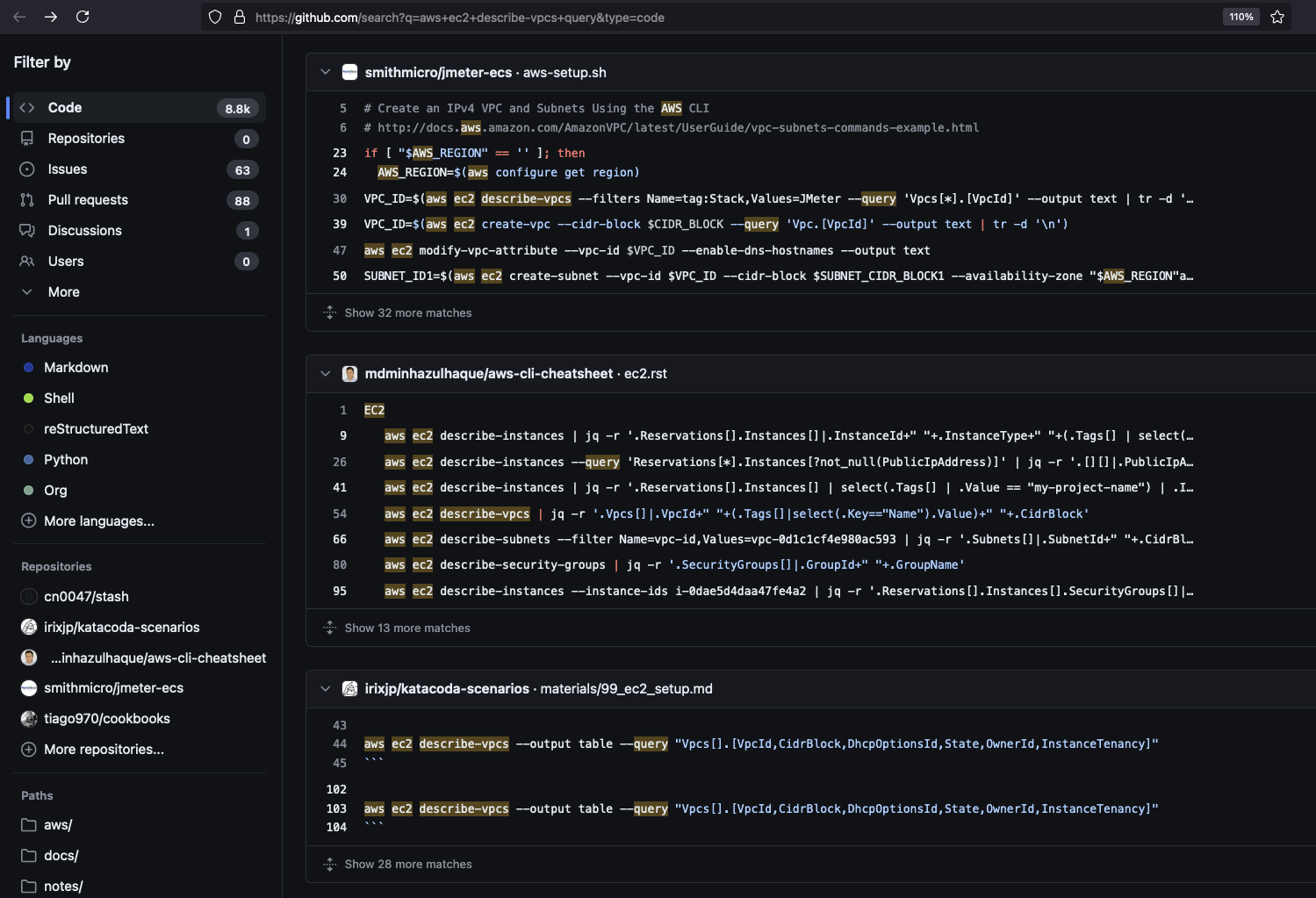
In the terminal while working with ‘aws ec2’

GitHub search output